The remote for Apple Music
Nothing in the path but your DAC.
One device plays Apple Music through your USB DAC. The other controls it from the couch. Only the commands travel over Wi-Fi. The audio never does.

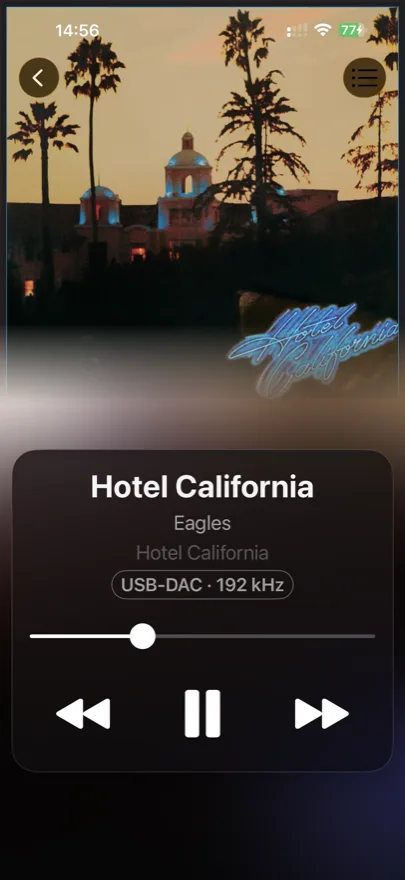
What reaches the DAC
AirPlay stops at 16 bit and 44.1 kHz.
DACmote plays at full resolution.
Sample rate
- 44.1
- 48
- 96
- 192 kHz
LosslessHi-Res Lossless
Bit depth
- 16
- 24 bit
CDStudio
That is CD quality, and no further. DACmote leaves the stream alone: your DAC receives exactly what Apple Music delivers to the player device — Lossless, or Hi-Res Lossless all the way up to 24 bit and 192 kHz.
The signal path
Something has to be wireless.
It doesn't have to be the music.
Streaming to a receiver
DACmote
On iPad
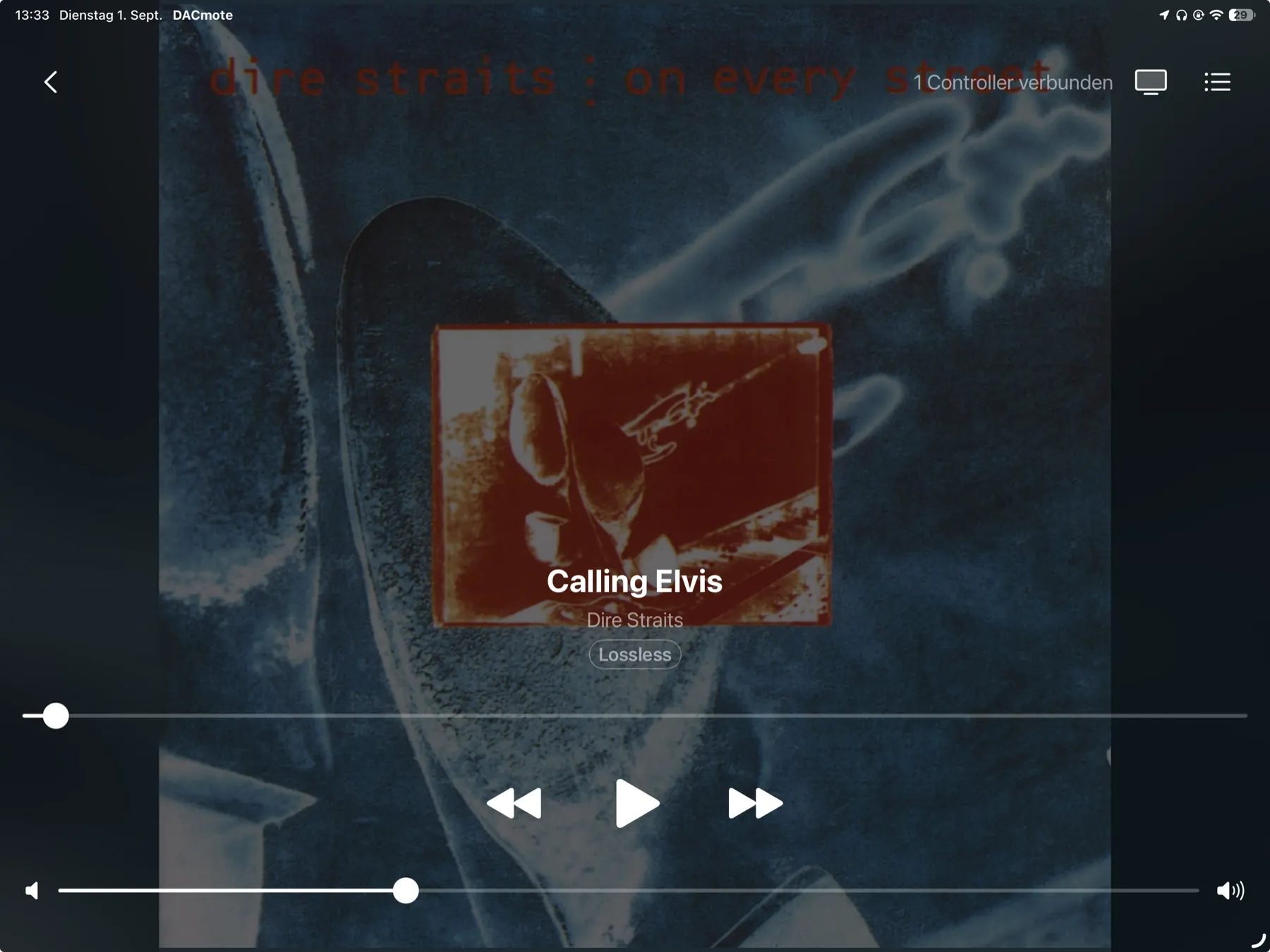
The sleeve, back on display.
Put an iPad at the amp and the artwork fills the screen, animated wherever Apple Music has motion artwork for the album. The controls fade out when nobody touches them, and what stays in the room is the record. The music is the thing you look at, not the interface.
From the couch
The whole catalog, on the small screen.
-
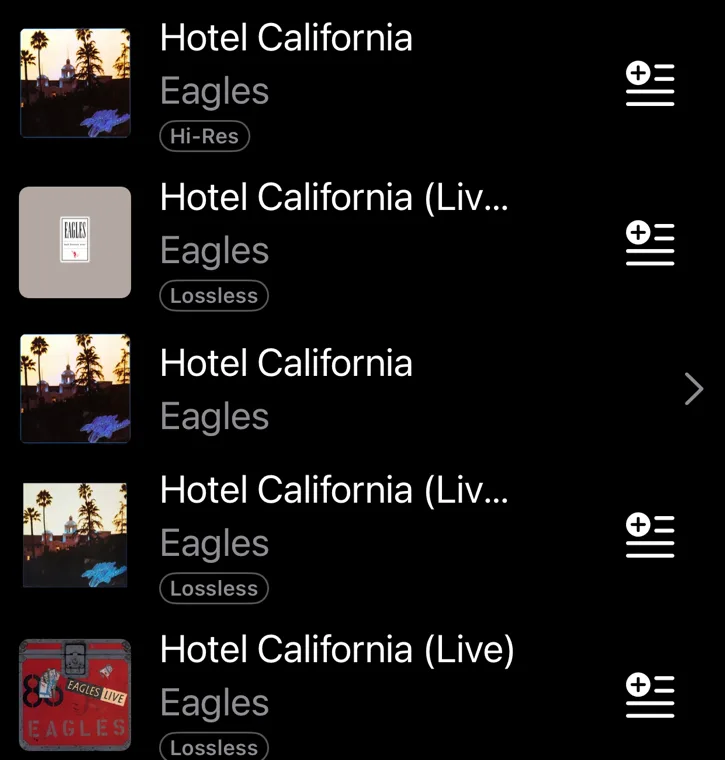
Search everything
Songs, albums, artists and playlists from the Apple Music catalog.
-
Your own playlists
Everything in your library, ready to send to the player.
-
The queue, in your hands
View it, reorder it, add to it, clear it.
-
Quality at a glance
Lossless, Hi-Res Lossless and Dolby Atmos, marked on every result.
-
Animated cover art
Full screen on the player, wherever Apple Music provides it.
-
Lock screen and Control Center
Skip a track without unlocking the remote.
-
Discography by year
An artist's albums in the order they were released.
-
Artwork, or a dark room
You simply switch the player's screen on or off from where you sit.
-
No remote? No problem
Pick music right on the player when there's no second device at hand.
- no subscription
- no tracking
- no ads
Before you start
What it needs.
- Subscription
- Apple Music. DACmote plays your subscription, it doesn't sell one.
- Devices
- One running iOS 26 to play. For the remote, a second one, iPhone and iPad in any combination.
- Network
- For the remote, the same Wi-Fi. The two devices find each other over Bonjour and connect directly.
- DAC
- Optional. A USB DAC on the player device is the point, but DACmote works without one.
- Languages
- English and German.
Playback quality follows your subscription and the Music settings on the player device. Apple Music is a trademark of Apple Inc.
Privacy
There is no server.
DACmote has no backend, no account and no subscription of its own. It collects nothing, because there is nowhere to send it. The two devices talk to each other and to nobody else.
Put the player at the amp. Keep the remote with you.
DACmote is a remote for audiophiles, not another streaming box. Start player mode on the device at your DAC, pick it from the second device, and the room is yours.